
OpenID Connect (OIDC) is the modern standard for single sign-on. It allows your team members to log in to your enterprise systems with a single company account. You manage all accounts in your identity provider, and register each enterprise system as a client of it. When users log in to these enterprise systems, they are redirected to the identity provider's login page, they log in with their enterprise account, and they are redirected back to the system.
You can now connect every Ella Networks product to your identity provider, whether that is Microsoft Entra ID, Google Workspace, Okta, or any other OIDC platform.
Enable SSO in 5 steps:
- Register Ella Core at your identity provider
- Configure the identity provider in Ella Core's Single Sign-On page
- Enable single sign-on
- Give users access by creating users or mapping their groups to roles
- Log in with single sign-on
Read how-to configure SSO for more details. The same steps can be followed in Ella IMS, Ella SMSC and Ella MOCN.
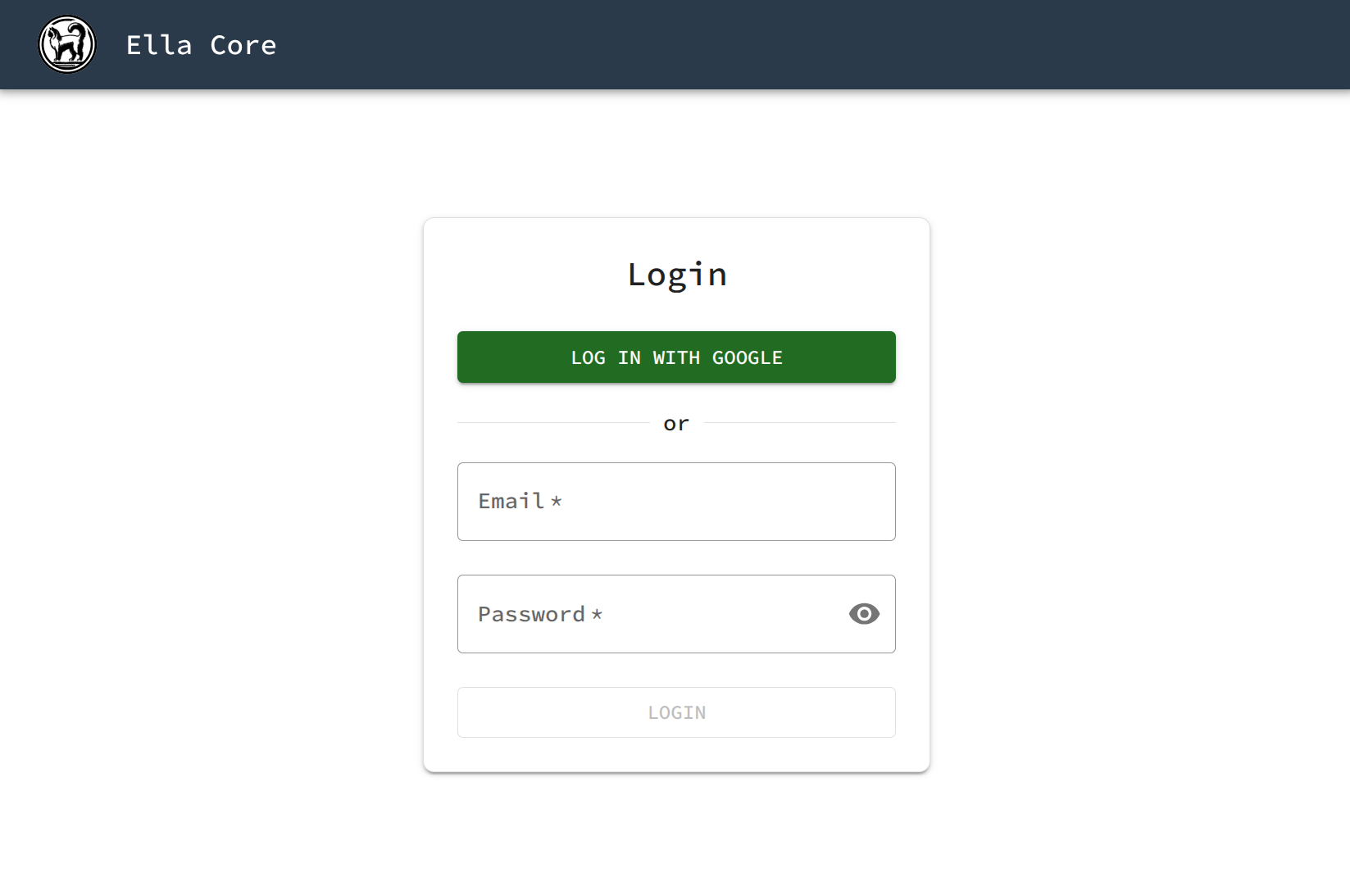
The point of OIDC is to manage users in one place. Beyond giving users access through SSO, administrators can map identity provider groups to Ella Core roles, so that each member gets the role that matches their responsibilities. When an employee leaves, you disable their account at the identity provider.